Build a Shot List Before You Touch a Generator
The problem
You open the generator with an idea and a feeling. Two hours and forty credits later you have thirty variations of the same wide shot and no scene. Generators are excellent at making more of what you asked for. They are useless at telling you what you need next. That is your job, and it takes ten minutes if you do it before you start.
What a shot list is (and is not)
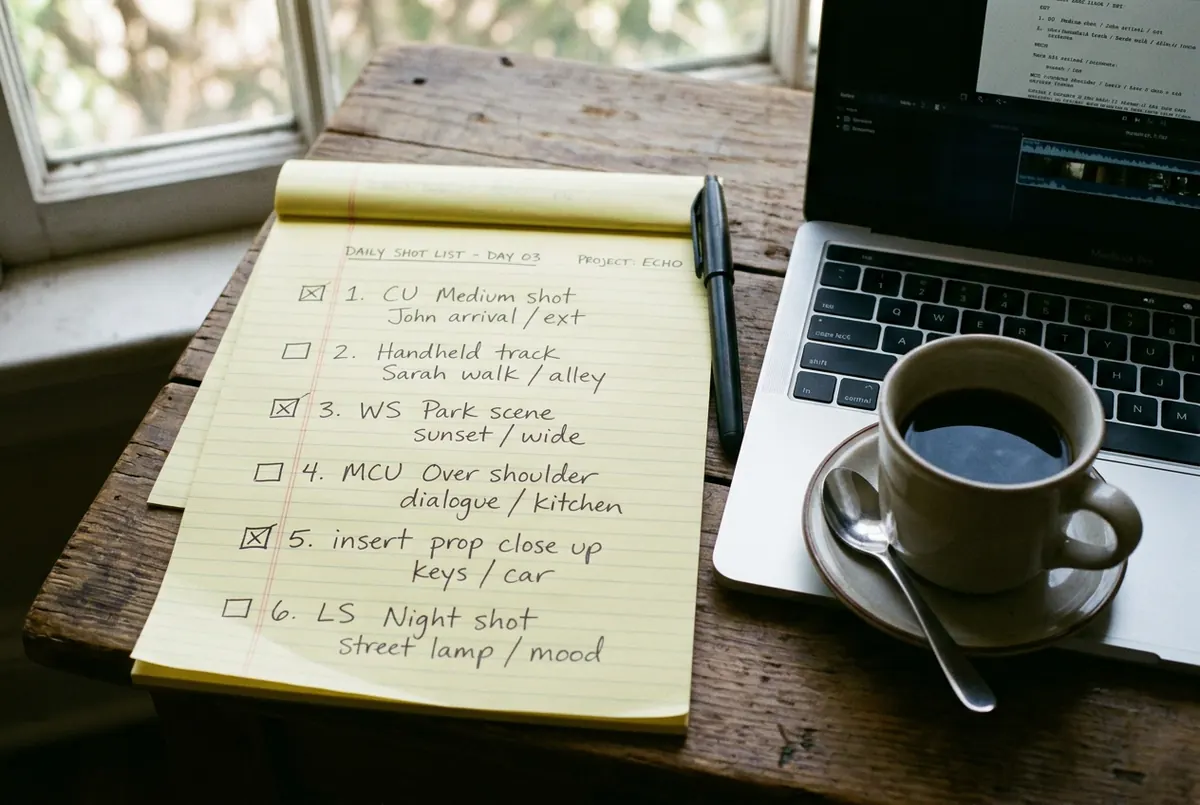
It is a numbered list of every shot the scene needs, with what the audience must see in each one. It is not a storyboard, not a prompt library, not a plan for the whole film. One scene, one list, ten minutes.
Steps
- Write the scene's job in one sentence. "She realises he is not coming." If you cannot write it, you are not ready to generate; you are ready to think.
- List the beats. The three to six moments the audience has to witness for that sentence to land. Waiting. Checking the time. The bus arrives. The doors open. Nobody. She gets on anyway.
- Give each beat a shot. For every beat, decide size (wide, medium, close-up), what is in frame, and what the audience must be able to read from it. A beat can need two shots. Most need one.
- Mark what must match. Same location, same light direction, same wardrobe. Circle the shots that share a setup. These get generated together with the same references and the same look line.
- Mark what moves. Which shots need motion at all? Many do not. A held still with sound is a legitimate shot. Only the ones marked "moves" go into the video generator, which saves most of your credits.
- Generate in shot order, one prompt per shot, and tick them off. When you find yourself making a fifth variation of shot 3, look at the list. Shot 4 is waiting. Move on and come back only if the scene needs it.
The template
| Done | # | Beat | Size | Must see | Matches | Moves? |
|---|---|---|---|---|---|---|
| done | 1 | Waiting | Wide | Her alone, bus stop, rain | Setup A | No |
| done | 2 | Checks time | Close | Phone screen, 23:47 | Setup A | No |
| done | 3 | Bus arrives | Medium | Headlights hit her face | Setup A | Yes |
| to do | 4 | Doors open | Medium | Empty doorway, light inside | Setup B | Yes |
| to do | 5 | Nobody | Close | Her face, the moment it lands | Setup A | Yes |
| to do | 6 | Gets on | Wide | She steps in, doors close | Setup B | Yes |
Six shots. Two setups. Four that move. That is a scene, and now every generator session has a target.
Ten minutes vs forty credits
No list
Forty credits
Thirty variations of the same wide shot. No scene.
With a list
Ten minutes
- Waiting
- Checks time
- Bus arrives
- Doors open
- Nobody
- Gets on
Six shots that cut together.
Worked example
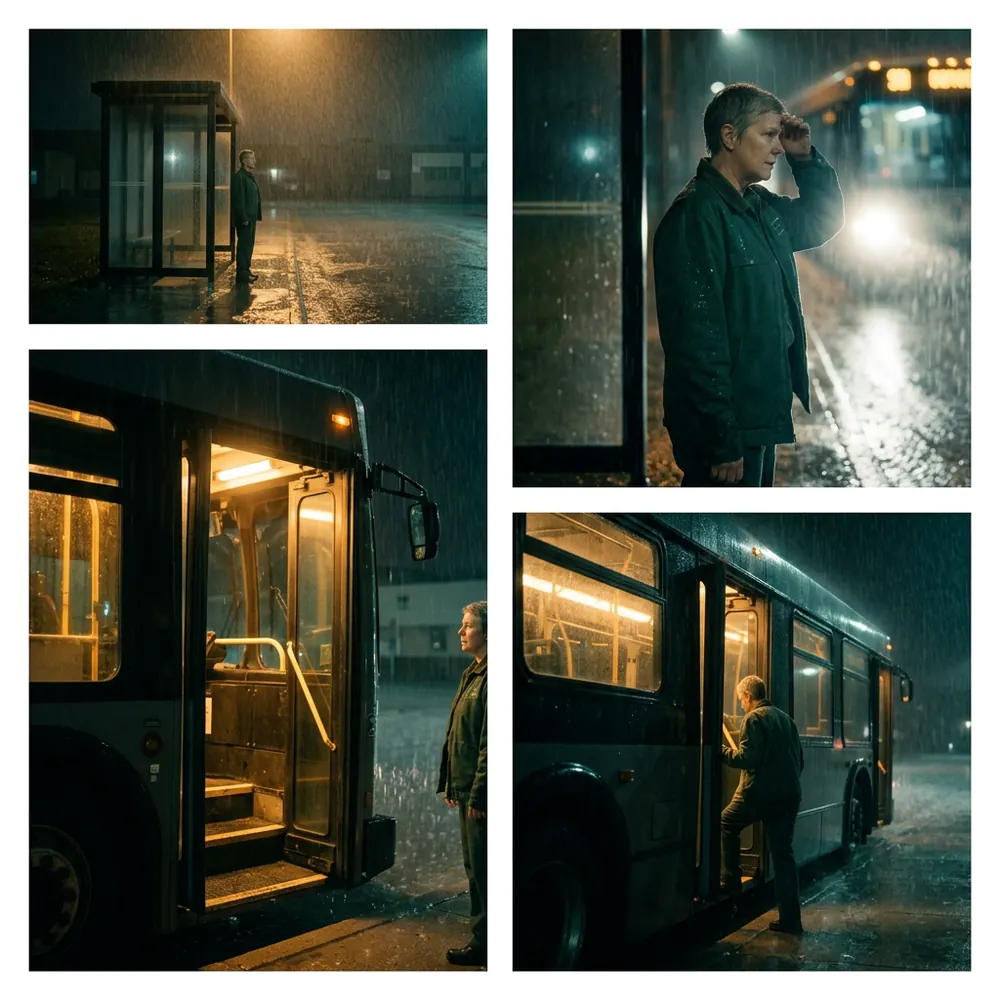
Without the list, this scene typically costs an afternoon and produces four gorgeous wides. With it, the same afternoon produces six shots that cut together, because shot 5 (her face, the moment it lands) was written down before anyone got distracted by how nice the rain looked in shot 1.
Your move
Try this today
Pick the scene you have been circling. Ten minutes, the template above, on paper if you like. Then open the generator and make shot 1 only. Tick it. Make shot 2. The list is doing the directing. You are doing the making.
Stop waiting – start creating!