Know When a Shot Is Actually Done
The problem
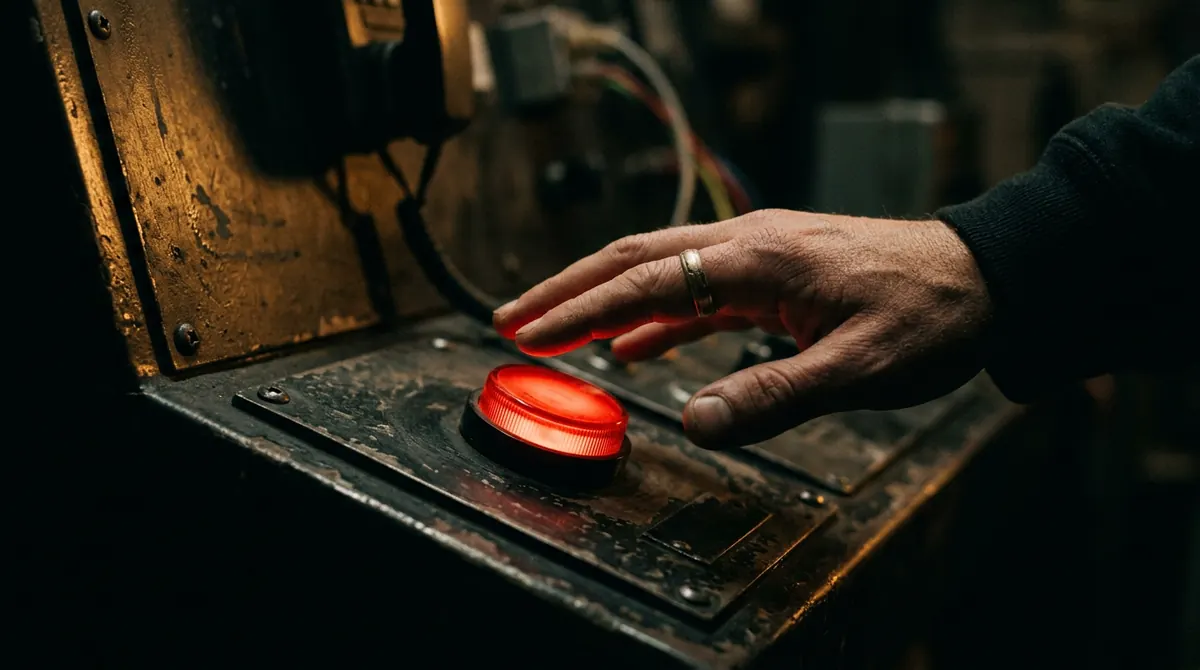
Generating is fun and regenerating is easy, so the roll button becomes a nervous habit. Twenty variations later, the newest one is not better than the fourth, your eye is fried, and the scene still has five shots waiting. Rerolling out of habit is the most expensive thing in AI filmmaking, and the cost is not credits. It is finished films that never happen.
You need a definition of done that lives outside your mood.
The five-question check
Run these in order. The first "no" tells you what to do. If all five are "yes", the shot is done and you move on, even if you have credits left and a feeling.
- Does the audience see what the shot list says they must see? Check the "must see" column. If yes, the shot is doing its job. If no, this is a real problem: fix the composition (usually a reroll or a reframe).
- Does it match the shots around it? Same light direction, same lens feel, same medium, same character. If one thing is off, fix that one thing with the Edit Model or Aleph. Do not reroll.
- Is it clean at normal speed? Hands, text, faces in the background. Watch once at full speed, not frame by frame. If a viewer would not catch it on a phone, it does not exist. If they would, edit it out or reroll.
- Would a cut hide the remaining flaw? Most flaws live in the first or last second, or on the edge of frame. If trimming half a second or a 5 percent punch-in solves it, the shot is done. Fix it in the edit, not the generator.
- Is the version in my head just new, not better? Say out loud what the next roll would change. If the answer is "I don't know, maybe it'll be nicer", the answer is yes: stop. That is a habit, not a note.
Two rules that make the check work
- Three rolls, then decide. Generate three, pick the best, run the check. If it fails on question 1, three more. Otherwise, edit or move on. Never open a fourth roll without a written reason.
- Decide on the timeline, not in the generator. A shot that looks weak alone is often fine between two others. Drop it into the cut before you judge it. The generator's grid view is the worst place to decide anything.
Fix it where it’s cheapest
In the edit
Trim, punch-in, cut
Costlow
Edit model or Aleph
One element, one instruction
Costmedium
Reroll
Composition, motion, baked-in artifacts
Costhigh
Worked example
Shot 5, her face when the doors open on nobody. Roll 1: expression right, hand slightly wrong at the edge. Roll 2: hand fine, expression flat. Roll 3: expression right, background stranger too visible.
Check on roll 3: must-see, yes. Matches, yes. Clean at normal speed, maybe not: the stranger. Would a cut hide it? Yes, a 6 percent punch-in crops him out. Done. Twelve seconds of decision instead of twelve more rolls.
The five-question check
- Does the audience see what the shot list says they must see?
- Does it match the shots around it?
- Is it clean at normal speed?
- Would a cut hide the remaining flaw?
- Is the version in my head just new, not better?
All yes? Move on.
Your move
Try this today
Open your last generation session and count the rolls on your most rerolled shot. Then run the five questions on roll number three. If it passes, you spent the rest on nothing, and now you know. Tape the five questions next to your screen.
Stop waiting – start creating!