Lock a Character Across Every Shot
The problem
Shot 1 looks great. Shot 2 is a different person wearing the same coat. By shot 5 your lead has changed age, jaw and hairline. This is the number one reason multi-shot AI projects get abandoned, and it is fixable in one session.
In V8, the fix is the Edit Model. It replaced --cref (V6 only) and --oref (V7 only). If you paste either of those into a V8 prompt, nothing happens and there is no error. Check your version in the settings panel before you blame anything else.
Steps
- Make one clean reference. Generate your character alone, front-facing, plain background, neutral light. Nothing else in frame. If you already have a favourite render with a busy background, remove the background first. Messy references produce messy consistency.
- Make a second and third angle. Load the clean reference into the Edit Model and ask for "same person, three-quarter view" and "same person, profile view". Now you have a small turnaround set. Save all three.
- Attach, don't describe. For every new shot, click Attach to prompt on web (or
--edit URL URLin Discord) and add one to four reference images. The Edit Model takes instructions, so write the shot as a change: "same character, now sitting at a diner counter, 35mm still, warm tungsten light". - Describe the scene, not the face. Once the reference is attached, stop re-describing hair, eyes and age in the prompt. Every extra facial adjective is an invitation to drift. Spend those words on setting, light and camera.
- Lock the look separately. Character consistency and visual style are two different jobs. Add
--srefwith your project style image or code and--swaround 100 to 300. The Edit Model handles who,--srefhandles how it looks. - Fix small drifts in place. If a shot is 90 percent right, do not reroll. Load it into the Edit Model and give one instruction: "make the jacket black", "turn her head slightly toward camera". You keep the base and change only the problem.
Worked example
Reference set: three clean renders of "Mara, late 30s, cropped grey hair, green work jacket".
Shot prompt with references attached:
same character standing at a rain-covered bus stop at night, looking off frame left, 35mm film still, sodium streetlight from above, medium shot --ar 16:9 --raw --sref 2708276657 --sw 150No hair, no age, no jacket colour in the text. The references carry that. The prompt carries the shot.
When features bleed between characters
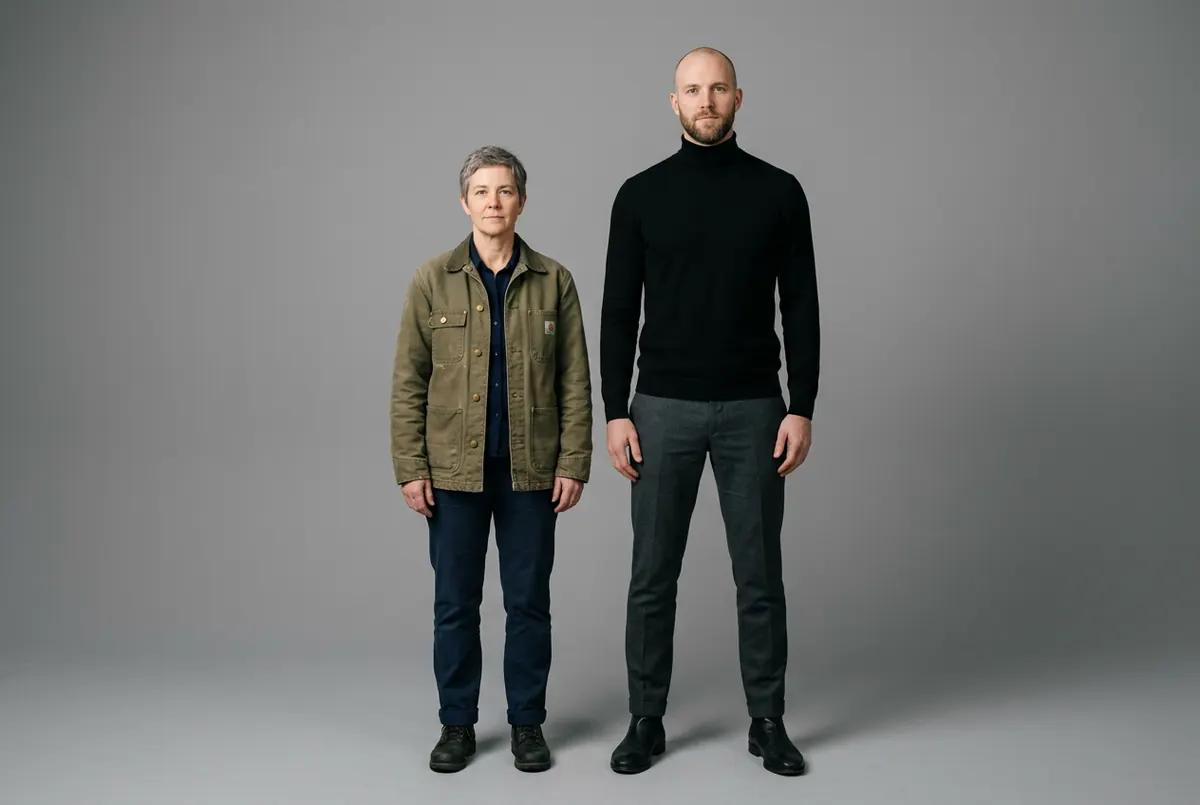
If you have two characters and their faces start merging, put both in a single reference image side by side and name them in the prompt by position: "the woman on the left is standing, the man on the right is seated". One combined reference beats two separate ones for two-shots.
Your move
Try this today
Pick one character you have already generated. Build the three-angle reference set (steps 1 and 2). Then generate the same character in three different locations using only attached references and scene descriptions. Put the three results in a row. If they read as the same person, you have a workflow. If not, your reference is the problem, not the prompt.
Stop waiting – start creating!